tabnote
01
Write down what is on your mind
A quick thought, a shopping list, or notes from a meeting. You can save anything in a note.
Try Tabnote →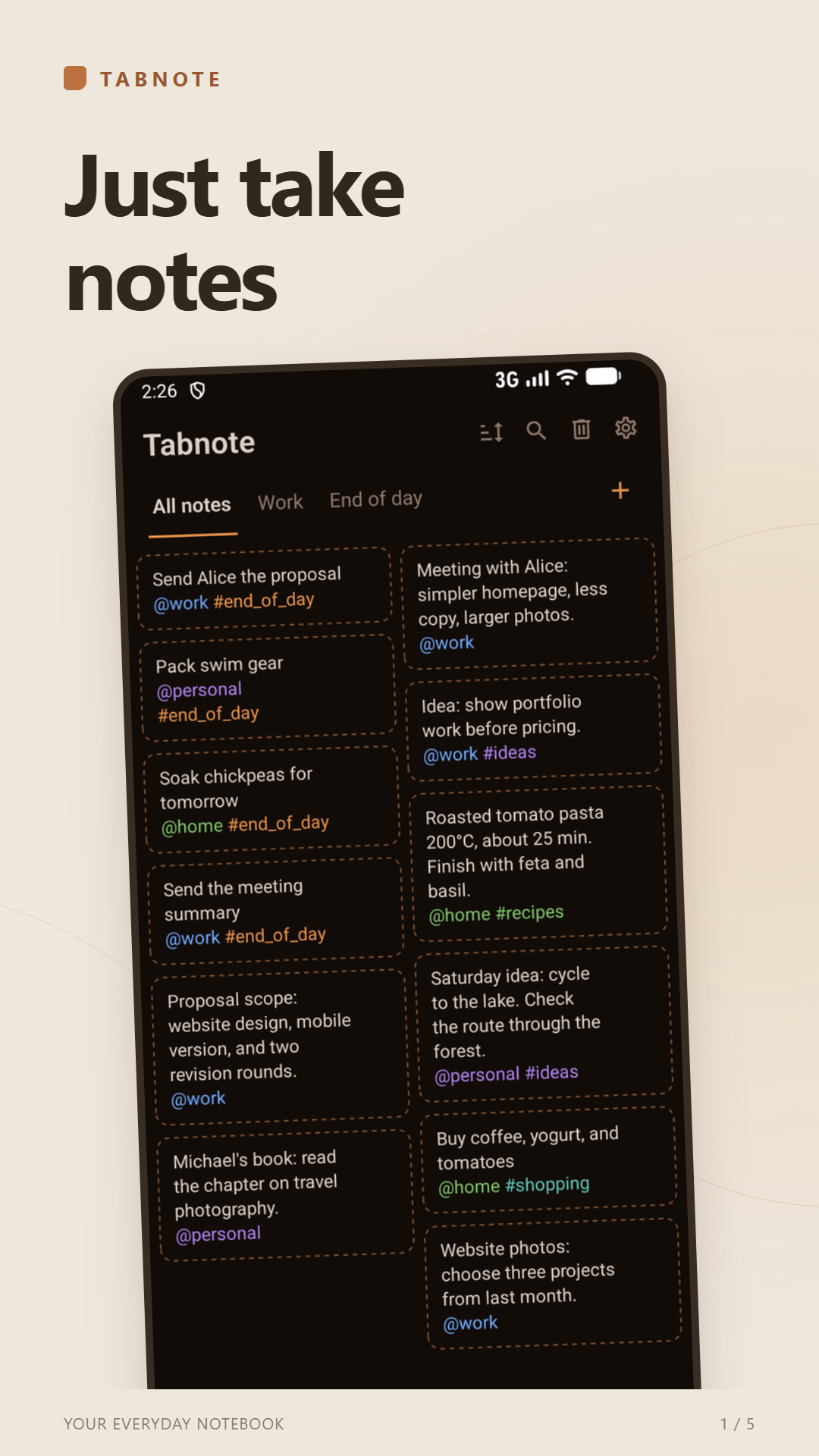
Move through the slides to see how it works.
A quick thought, a shopping list, or notes from a meeting. You can save anything in a note.
Try Tabnote →We add the @work label and the #end_of_day tag to Alice's proposal. These labels help collect matching notes in tabs.
Try Tabnote →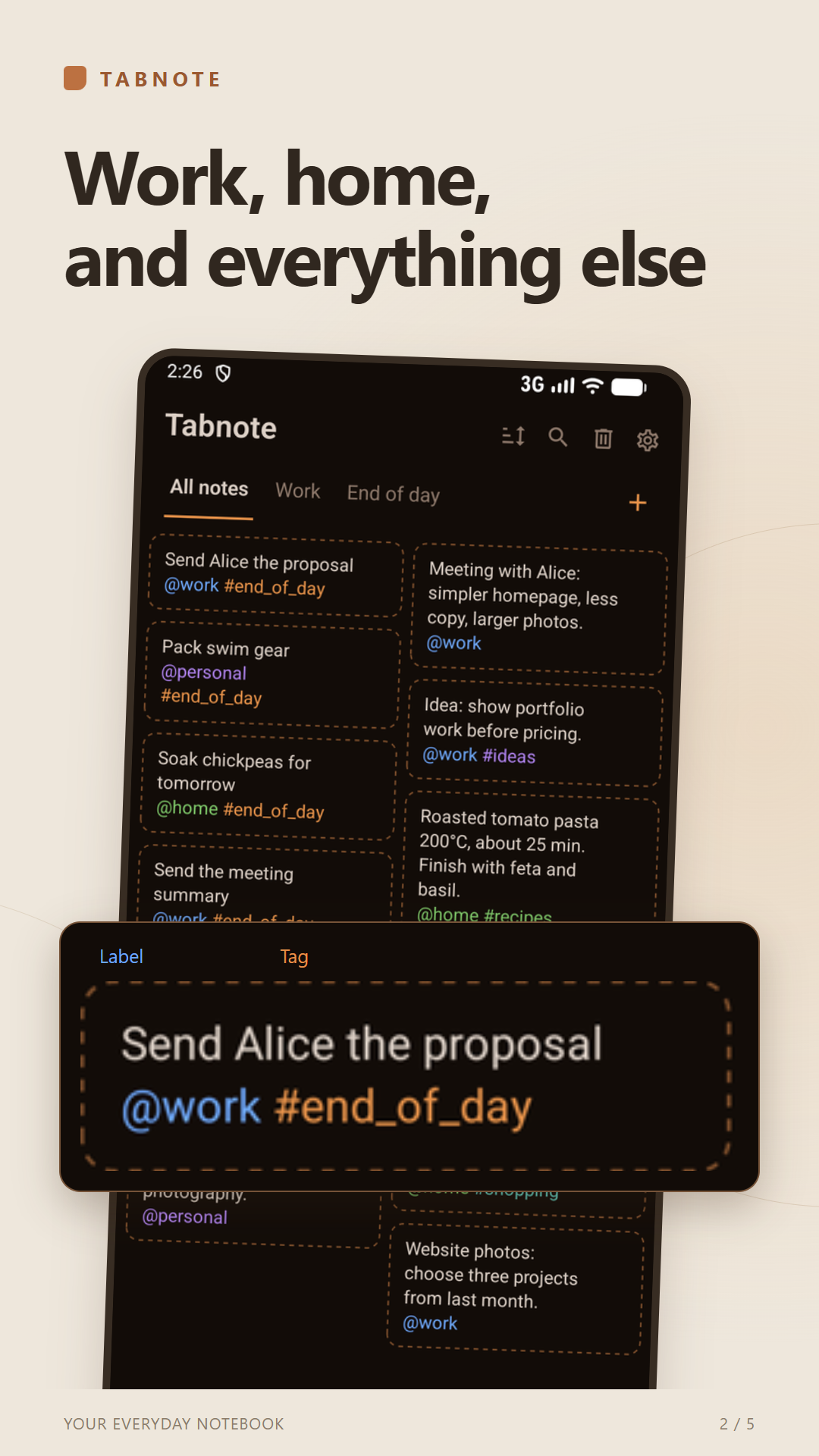
The proposal is in “Work”. It also appears in “End of day” together with the pool and meal prep. Each tab shows notes matching its labels - without creating copies.
Try Tabnote →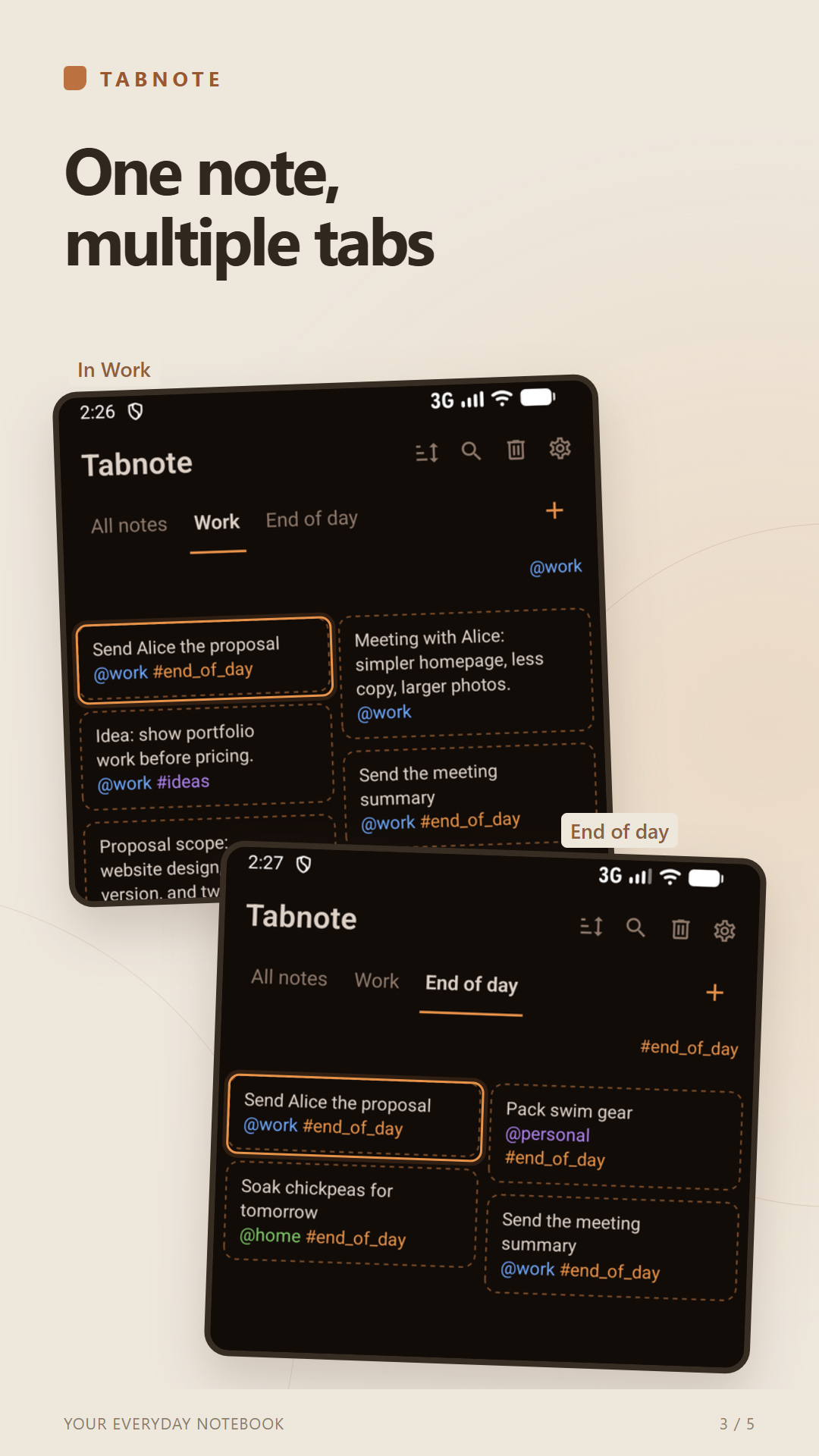
Change the theme, colors, text size, and number of columns. Here are the same notes in dark and paper themes.
Try Tabnote →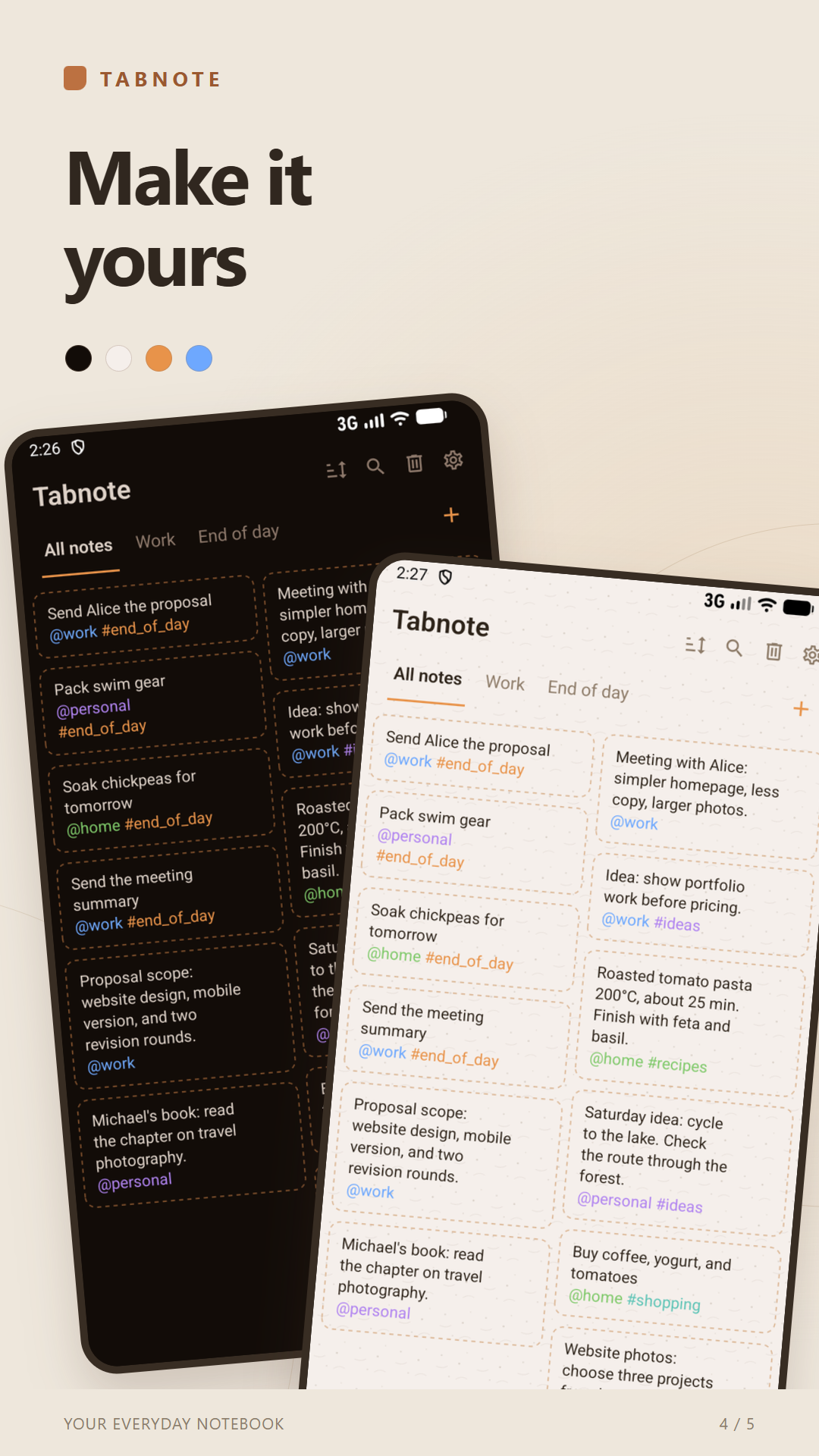
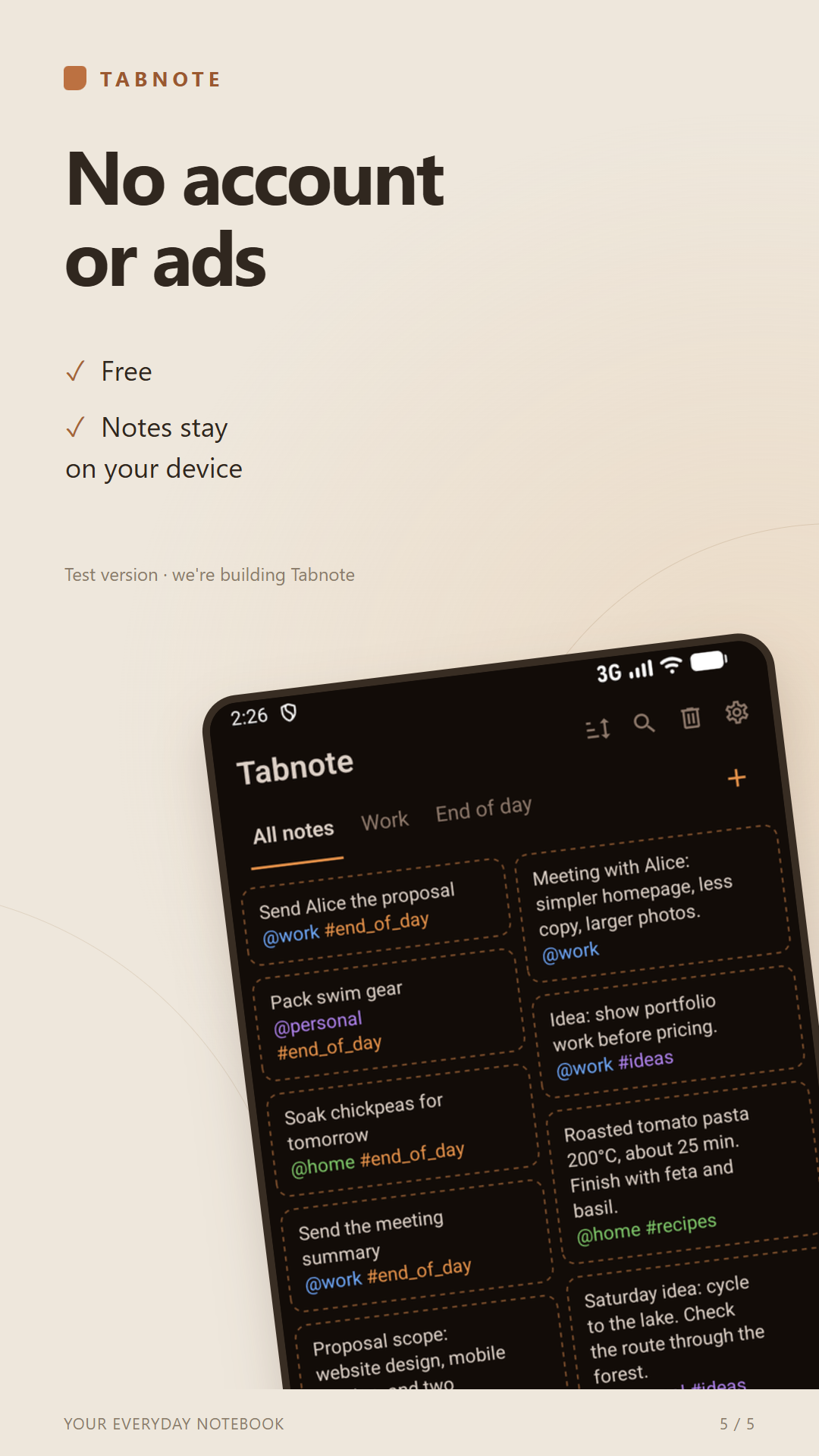
Tabnote works offline, without an account or ads. It is free. We are developing the app; text formatting is one of the things we plan to add.
Try Tabnote →